Digital stationery for people who write by hand.
Digital planners and notebooks, built right-to-left.
Hyperlinked PDFs for iPad, built for the Israeli week and for Hebrew handwriting. No dates, no tab strip on the wrong side.
- Instant download on Etsy
- All colour themes in one download
- Undated, reusable every year
The collection
New in the shop
All products
Built right-to-left. Not translated.
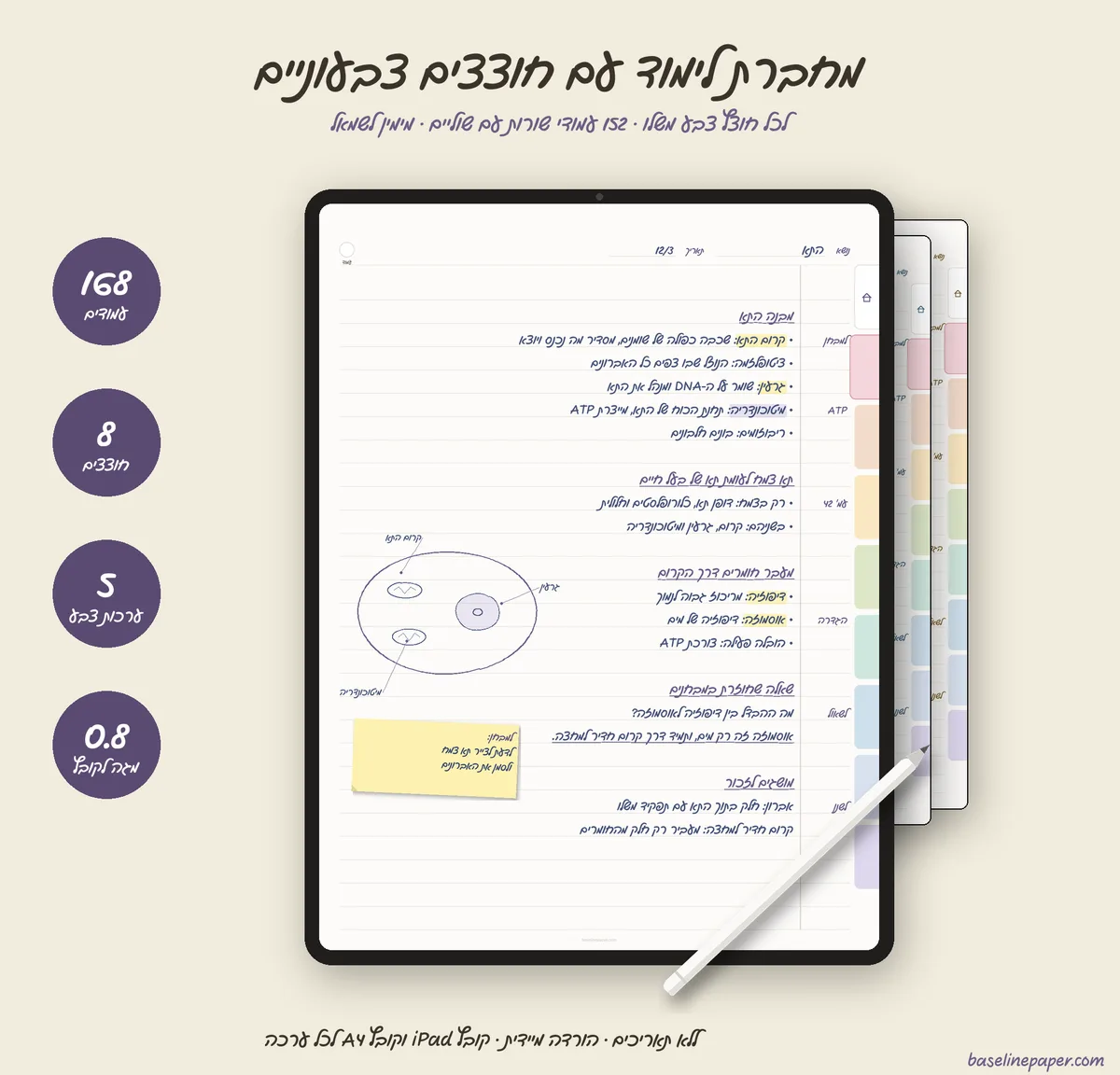
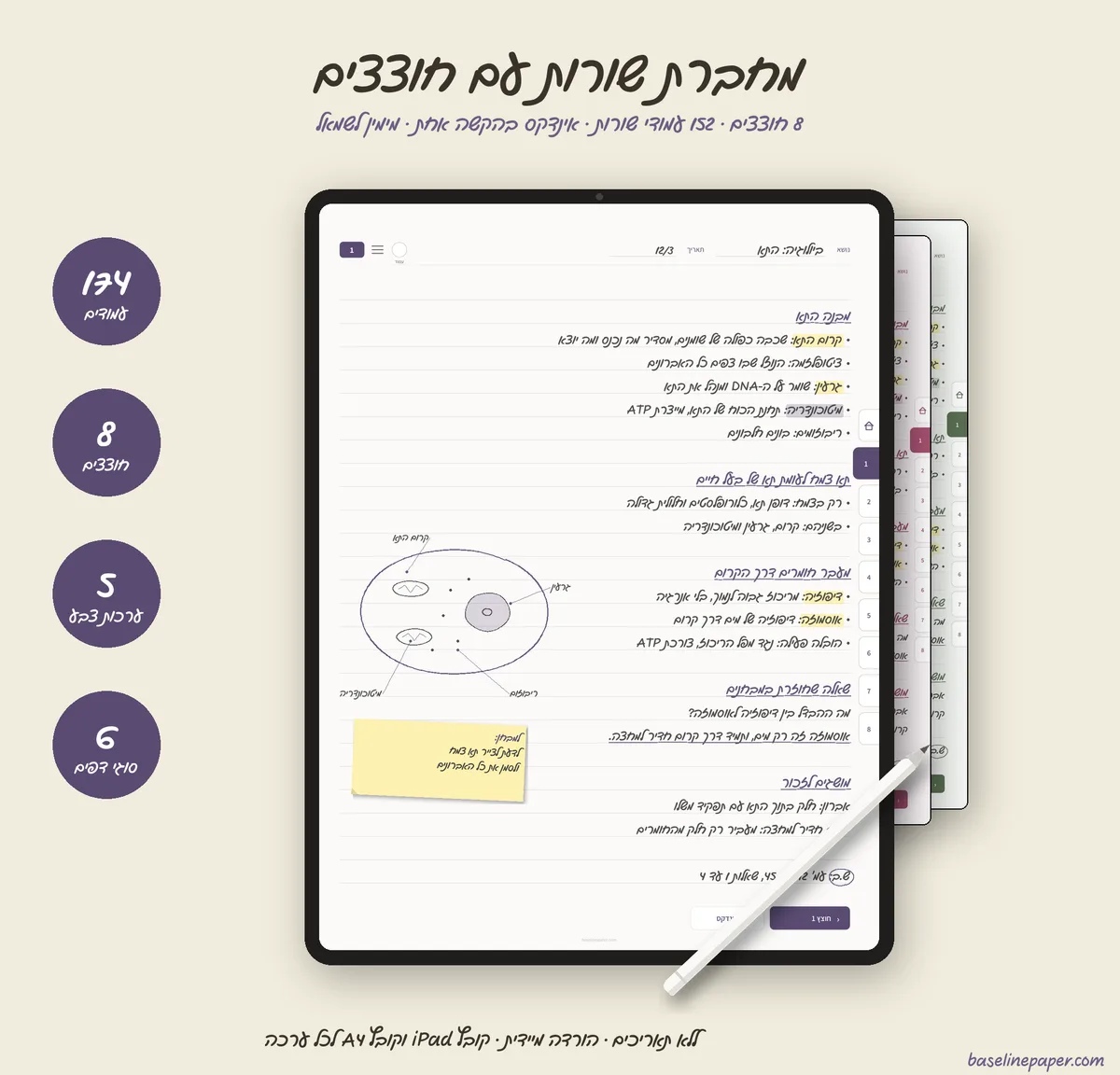
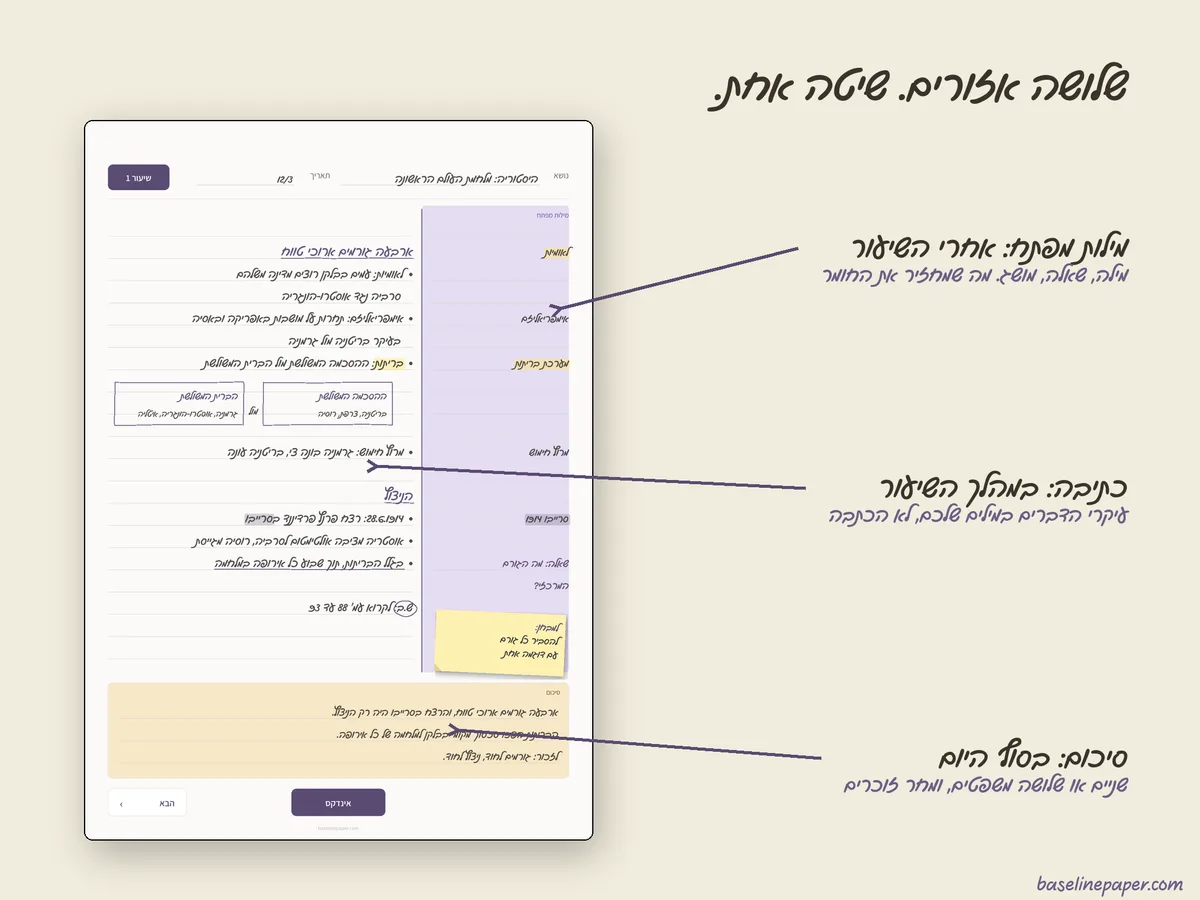
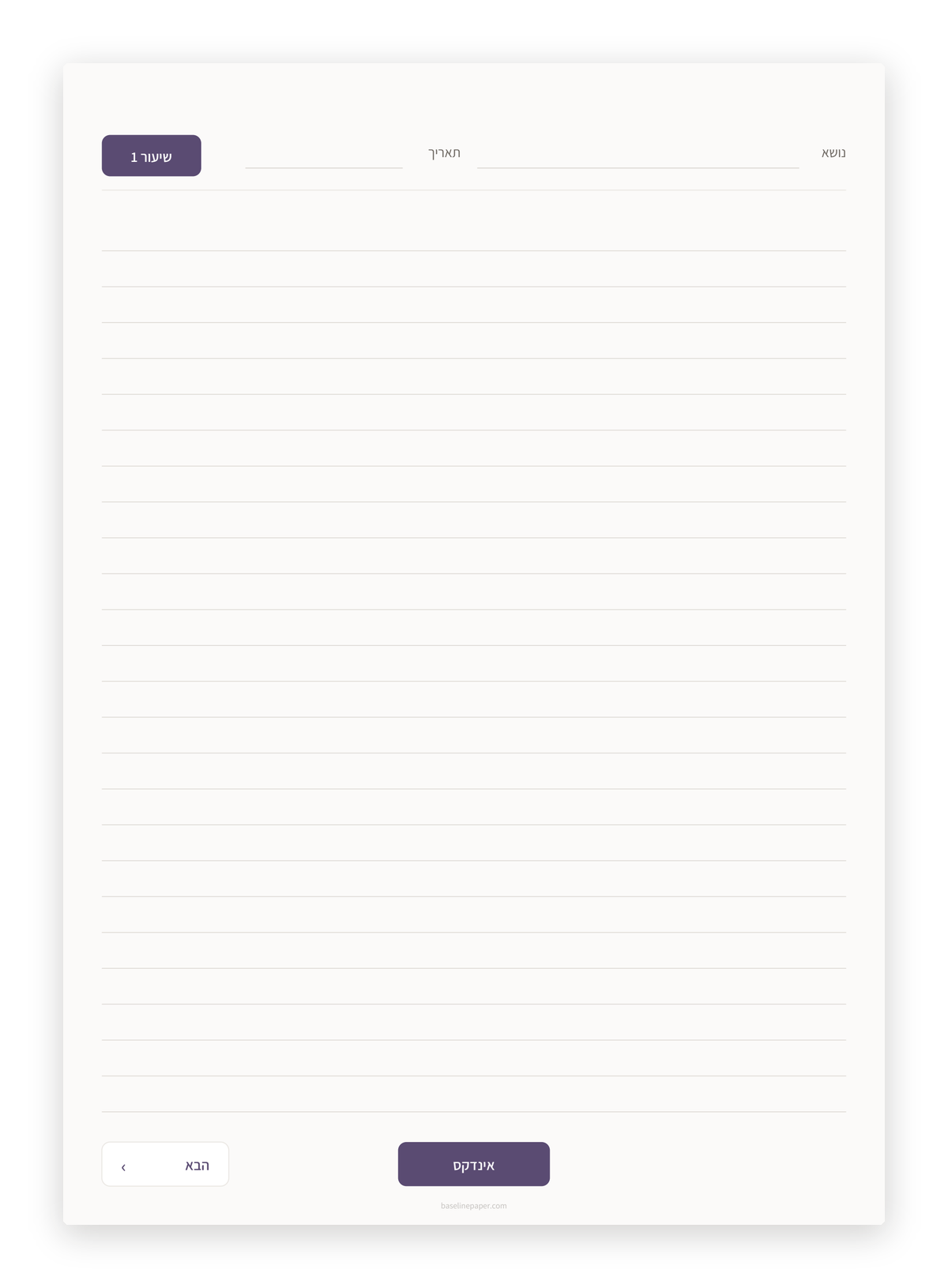
Every digital Cornell notebook you will find is built for English: the cue column on the left, the tabs navigating to the wrong side. Here the cue column sits on the right, the week starts on Sunday, and every link is verified on every build.
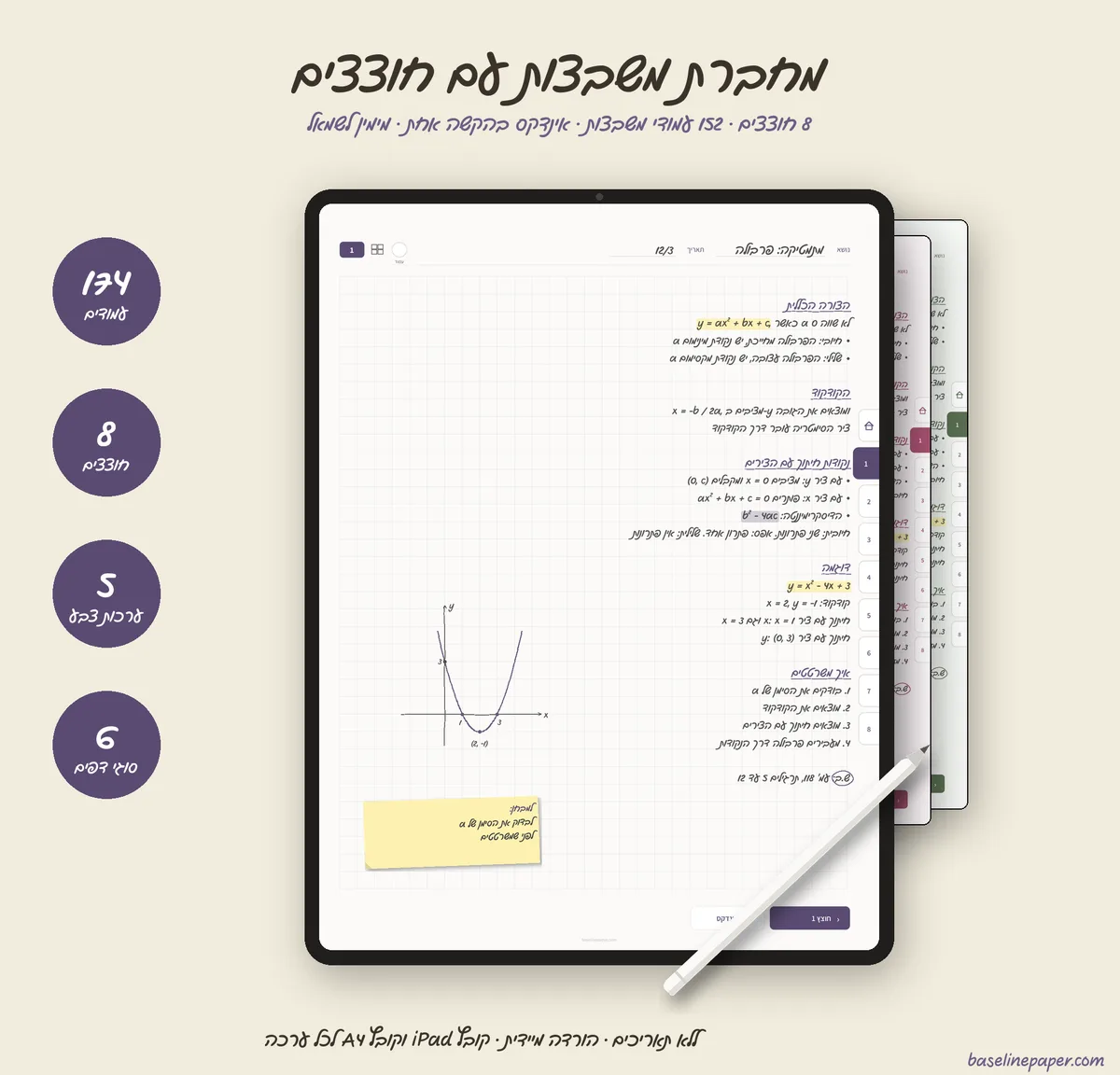
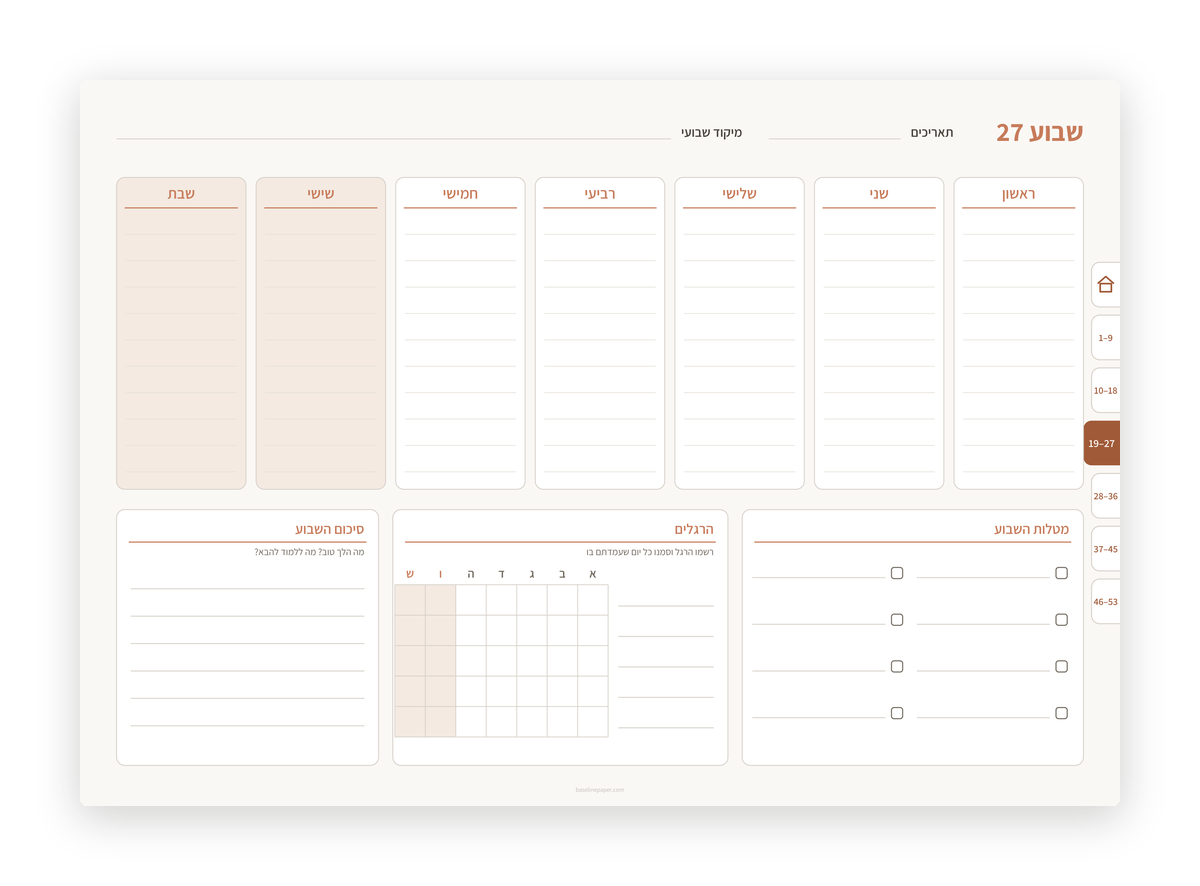
- Tabs and index in Hebrew book order
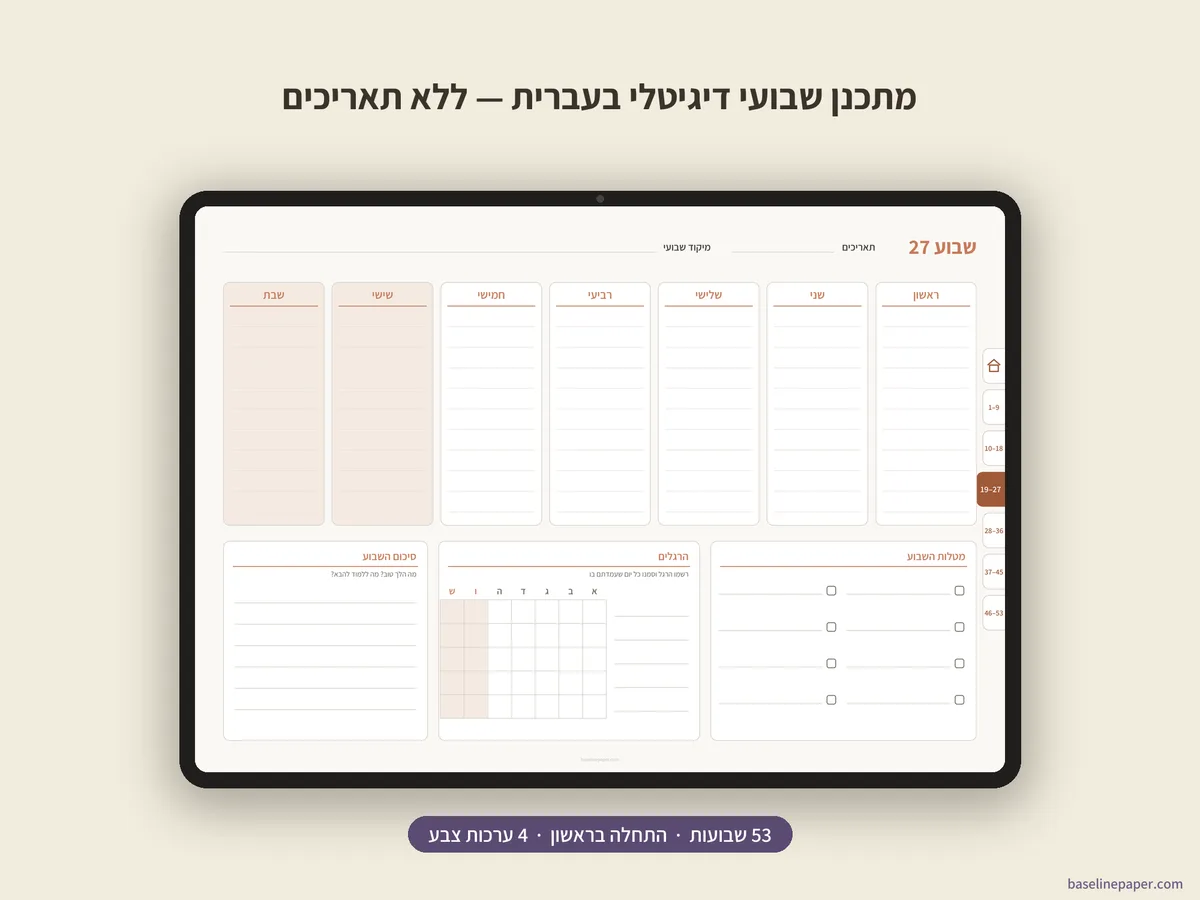
- A week that starts on Sunday, with a short Friday
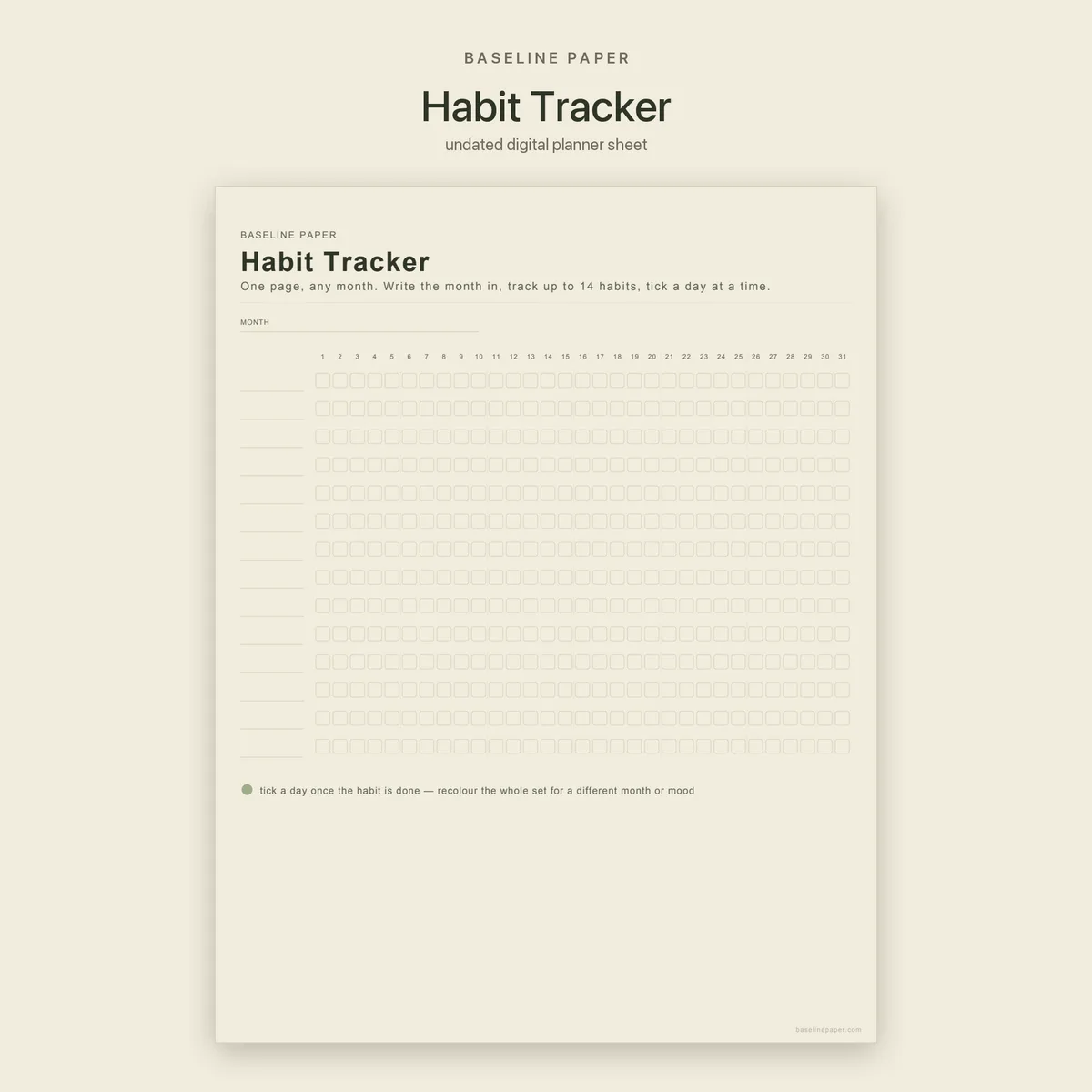
- Undated: the same file serves you next year too
What a paper notebook cannot do
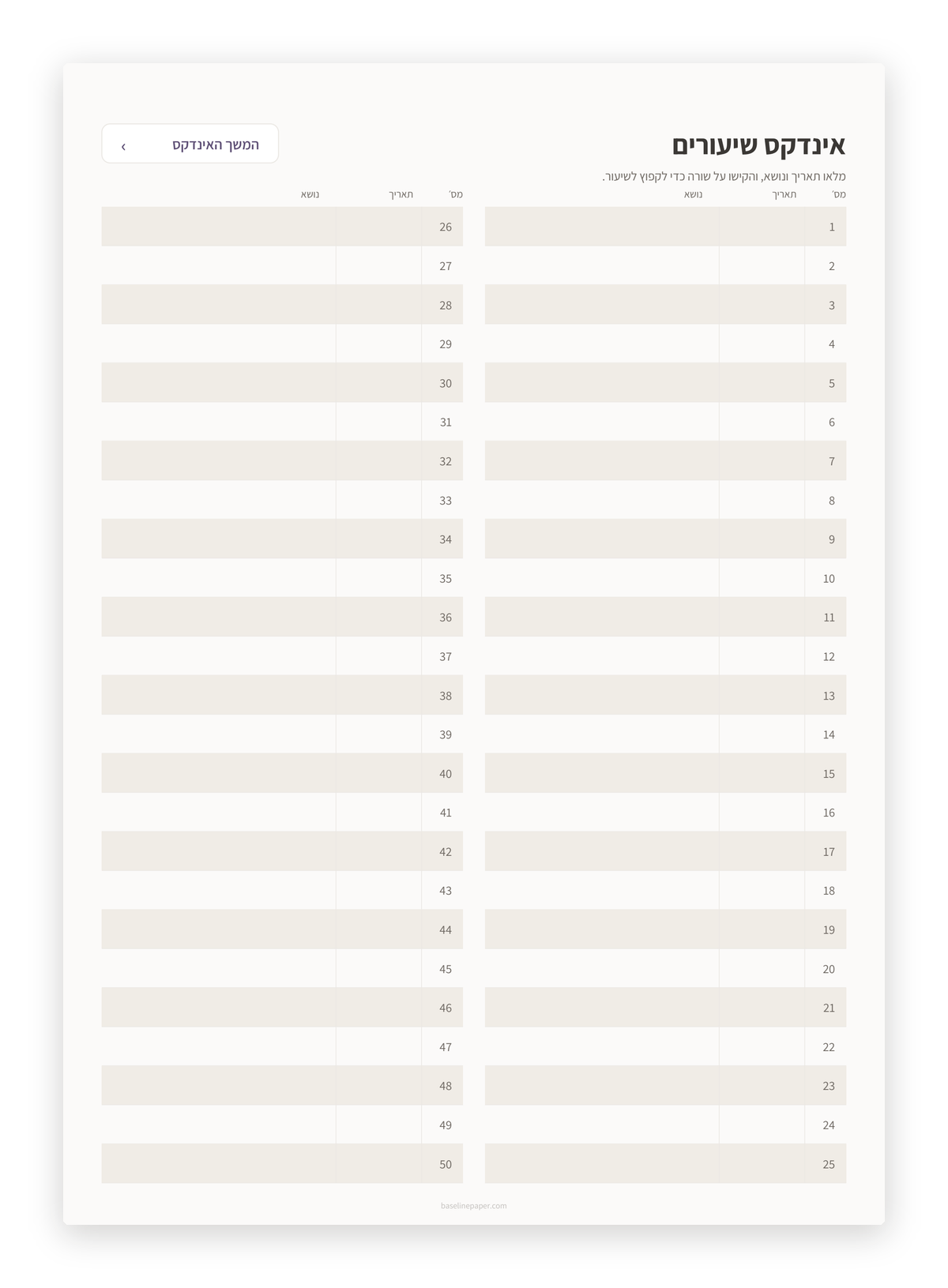
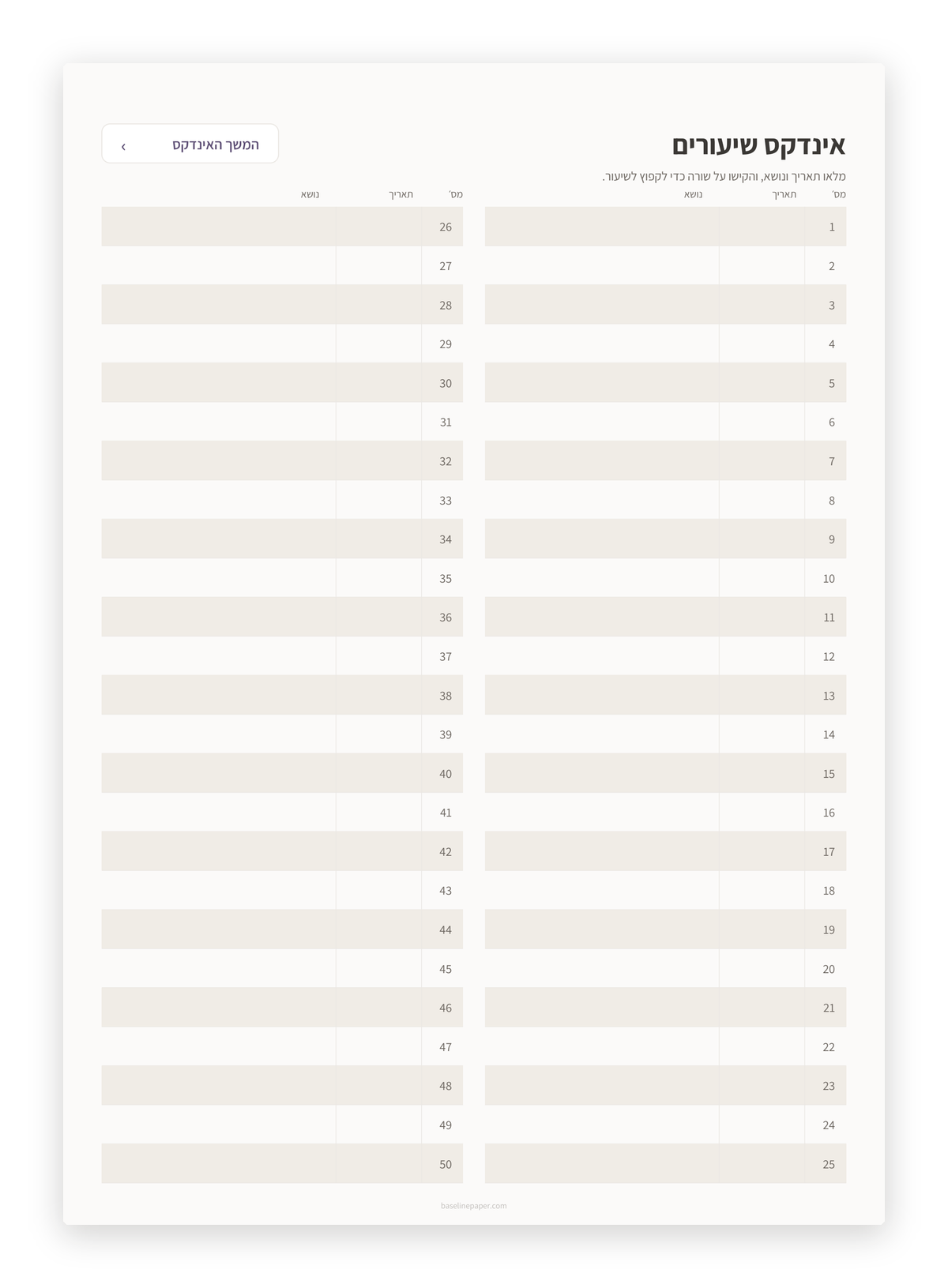
An index that jumps to the lesson
Fill one row at the start of each lesson. Before the exam, tap it and land on the page.
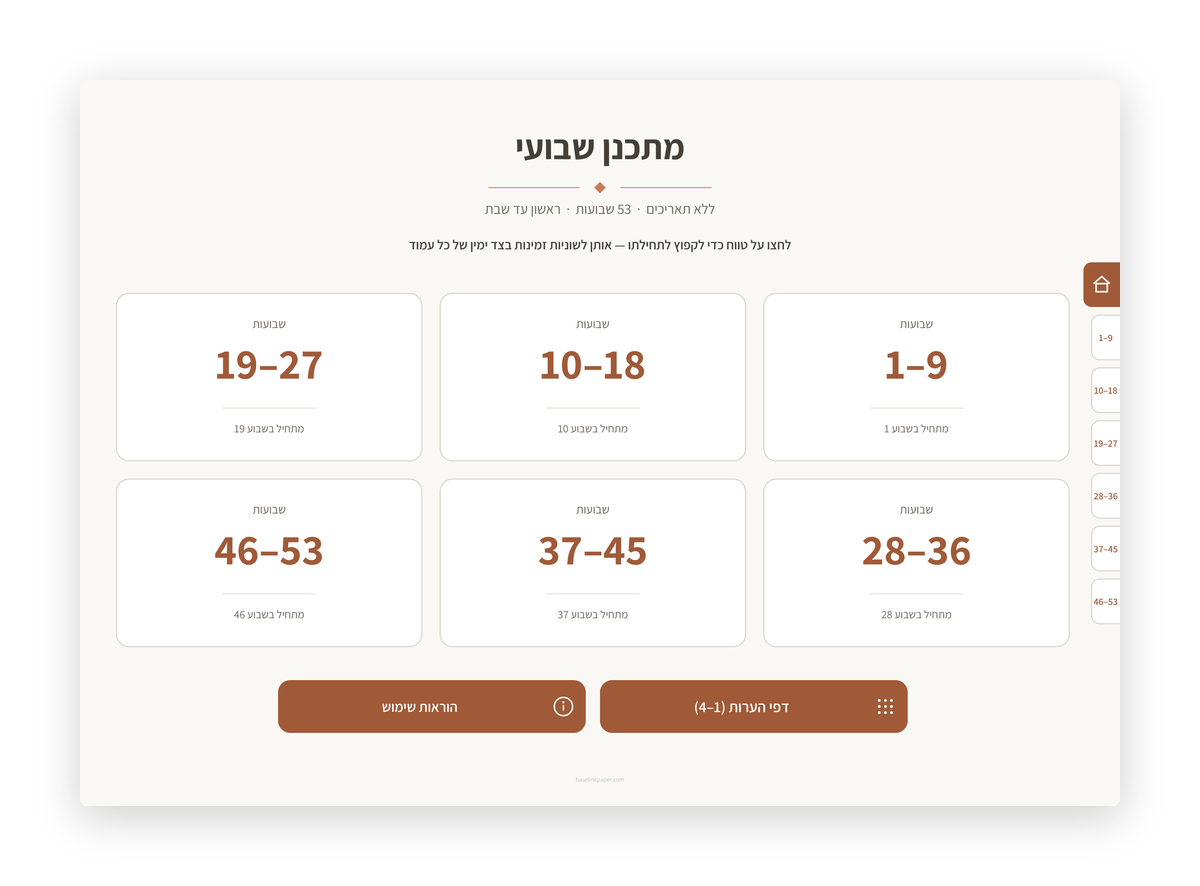
Tabs on the right side
A tab strip on the right edge of every page, like the spine of a Hebrew book. One tap to any section.
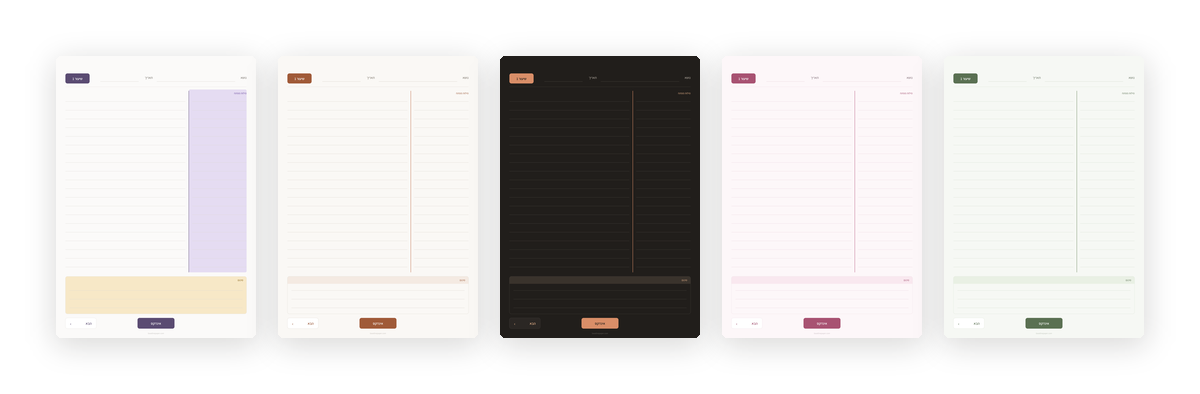
Every colour theme, one price
Warm beige, dark mode, pink pastel, sage green or colorful. Pick by mood, or one theme per subject.
Up close
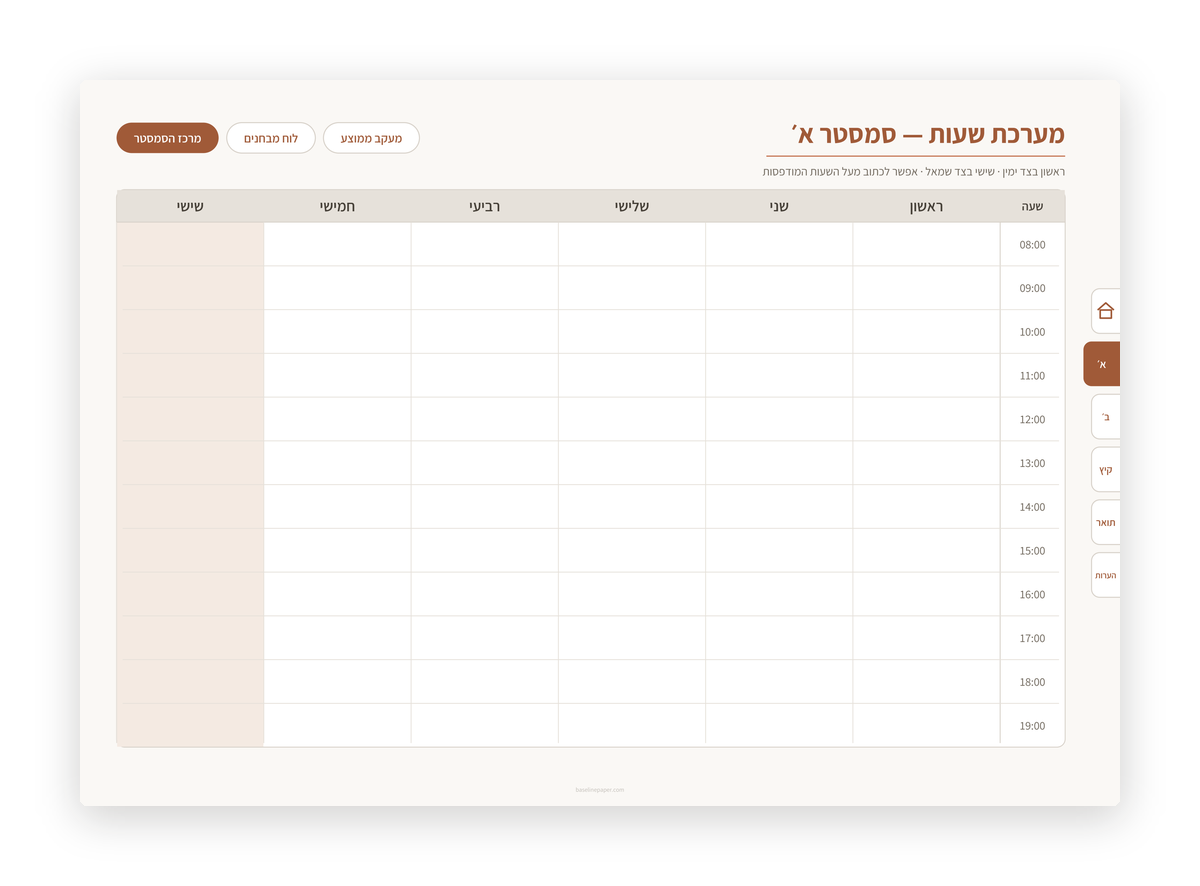
Every image is a real render of the file you receive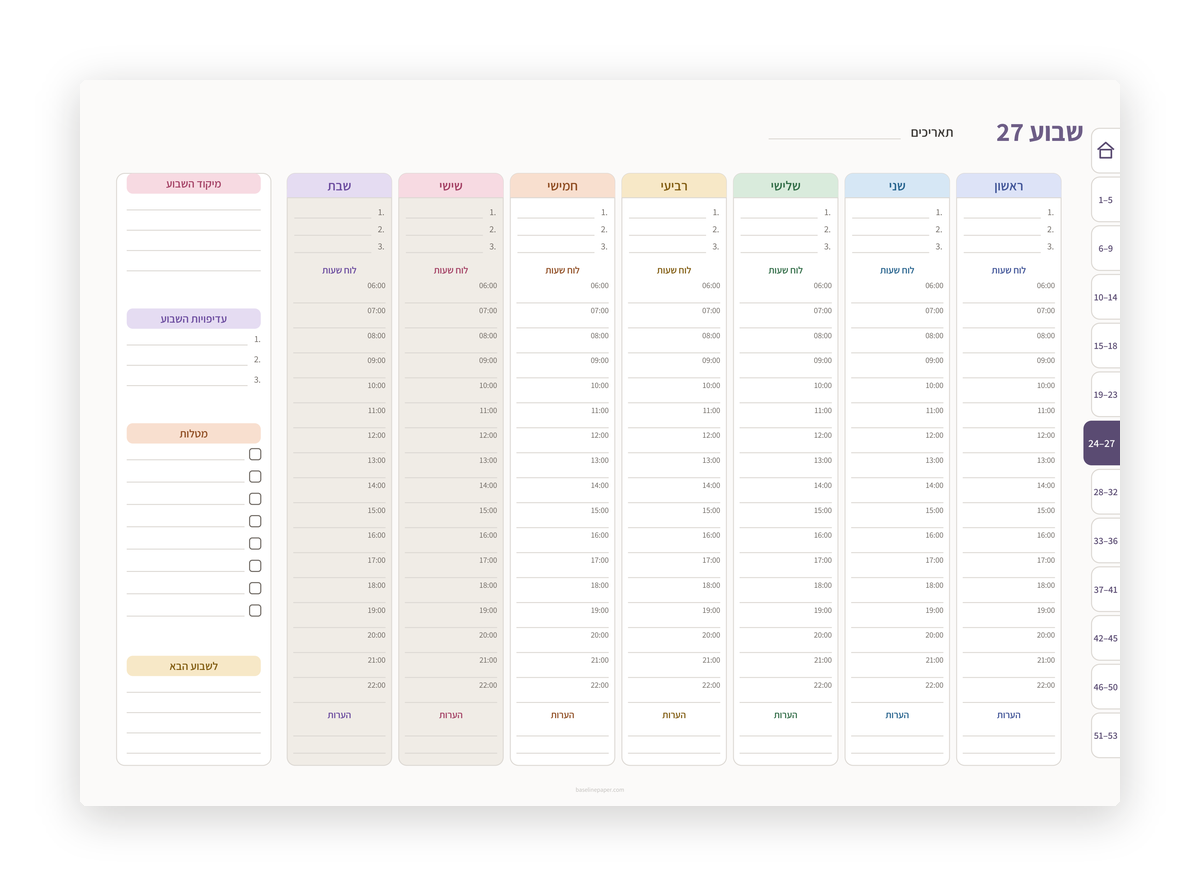
How it works
- 1
Pay on Etsy
Checkout and download happen on Etsy, in your currency.
- 2
Download the files
From your Etsy Purchases page or the email. All colour themes in one download.
- 3
Import as a document
Not as paper, so the links work. The guide page inside the file shows how.
Which notebook is for you?
| Hebrew Cornell Notes Digital Notebook | Hyperlinked Digital Notebook Hebrew Lined | Hebrew Academic Planner | |
|---|---|---|---|
| For whom | Lesson notes you come back to before an exam | One notebook per subject, duplicate freely | Students: semesters, exam sittings, grade average |
| Pages | 105 | 105 | 95 |
| Colour themes | 5 | 5 | 4 |
| Price | $7.99 | $8.99 | $14.00 |
From the blog
All posts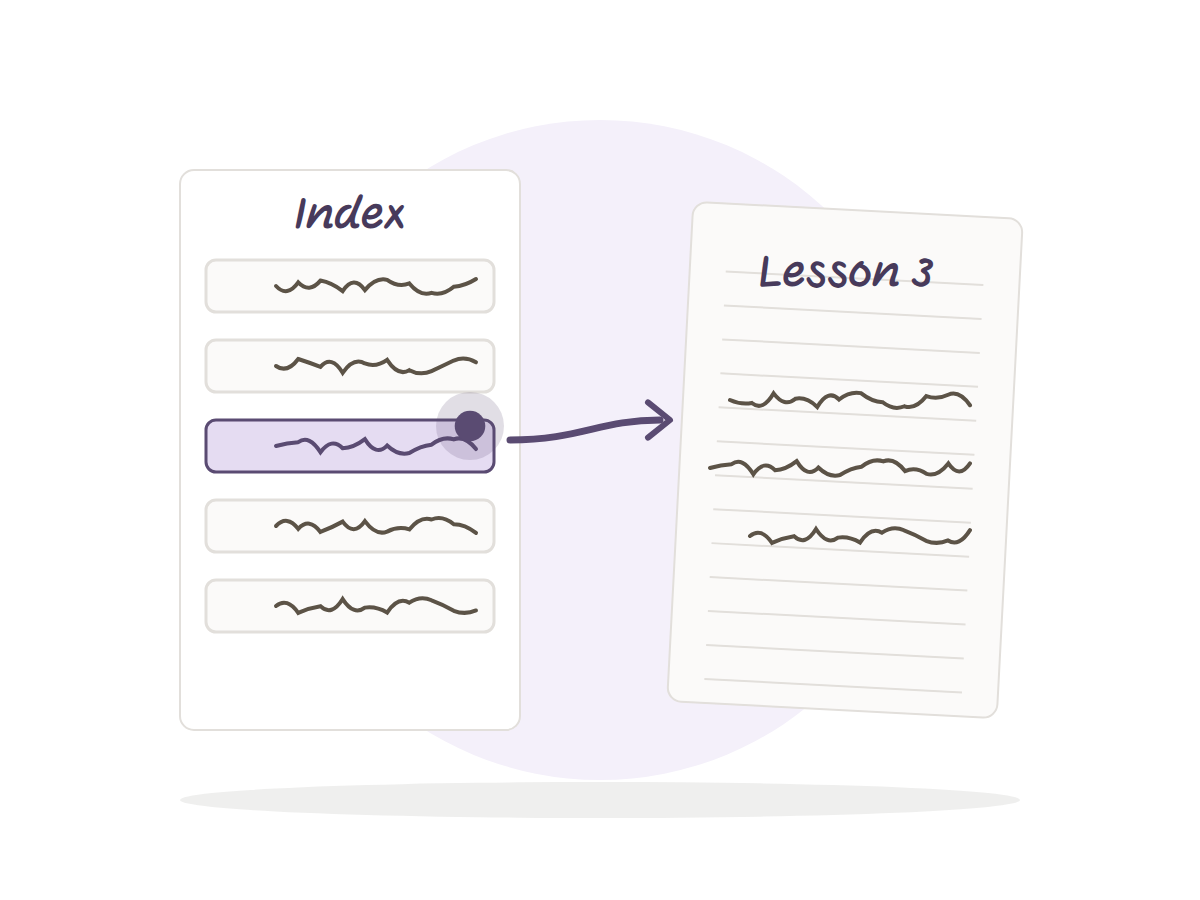
· 4 min read
What a Linked Index Is and Why It Saves Your Night Before an Exam
A linked index is one page at the front of your notebook where every row jumps to a lesson. How to build one, fill it fast, and what it saves before exams.
· 4 min read
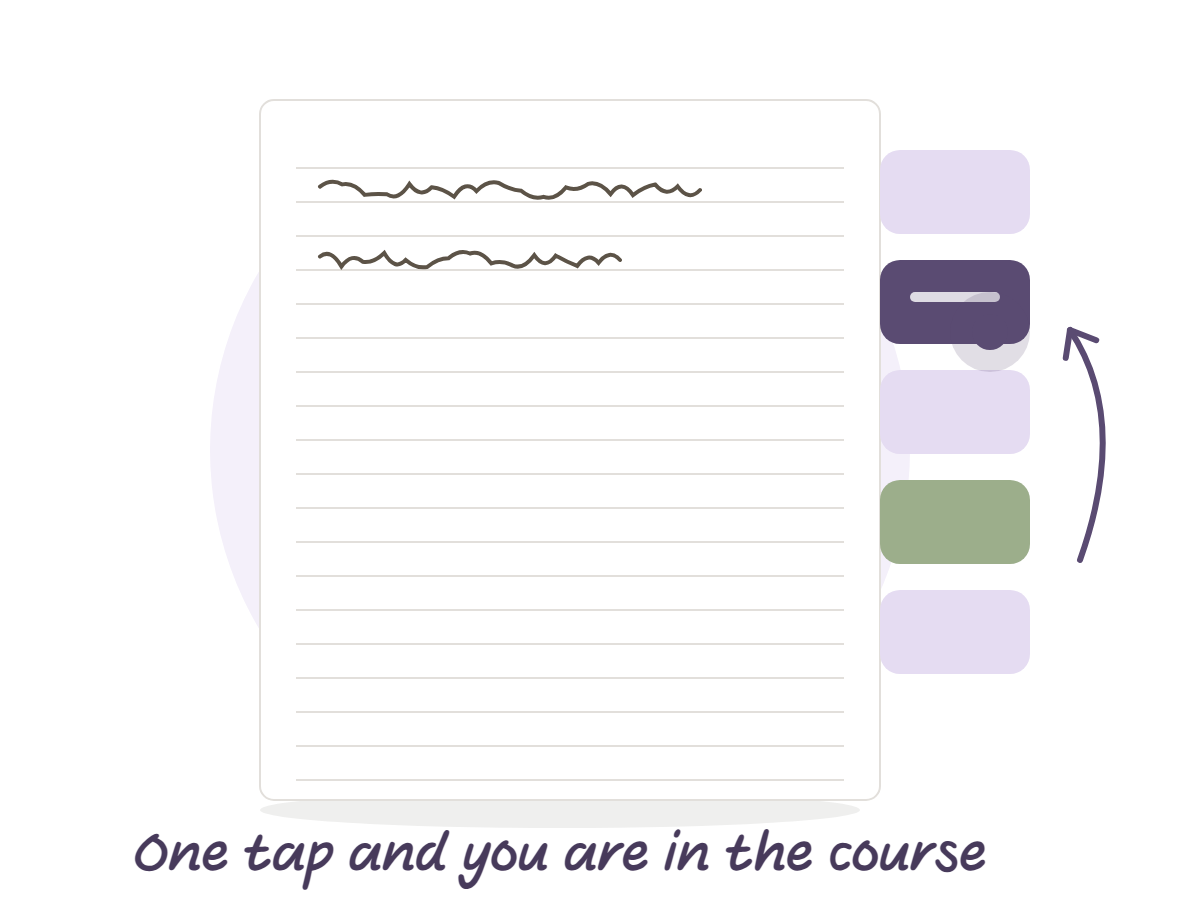
How to use navigation tabs in a PDF notebook
A digital notebook with tabs brings the dividers of a paper notebook into a PDF. How to import it, tap the tabs, add pages and keep the tabs working.
· 3 min read
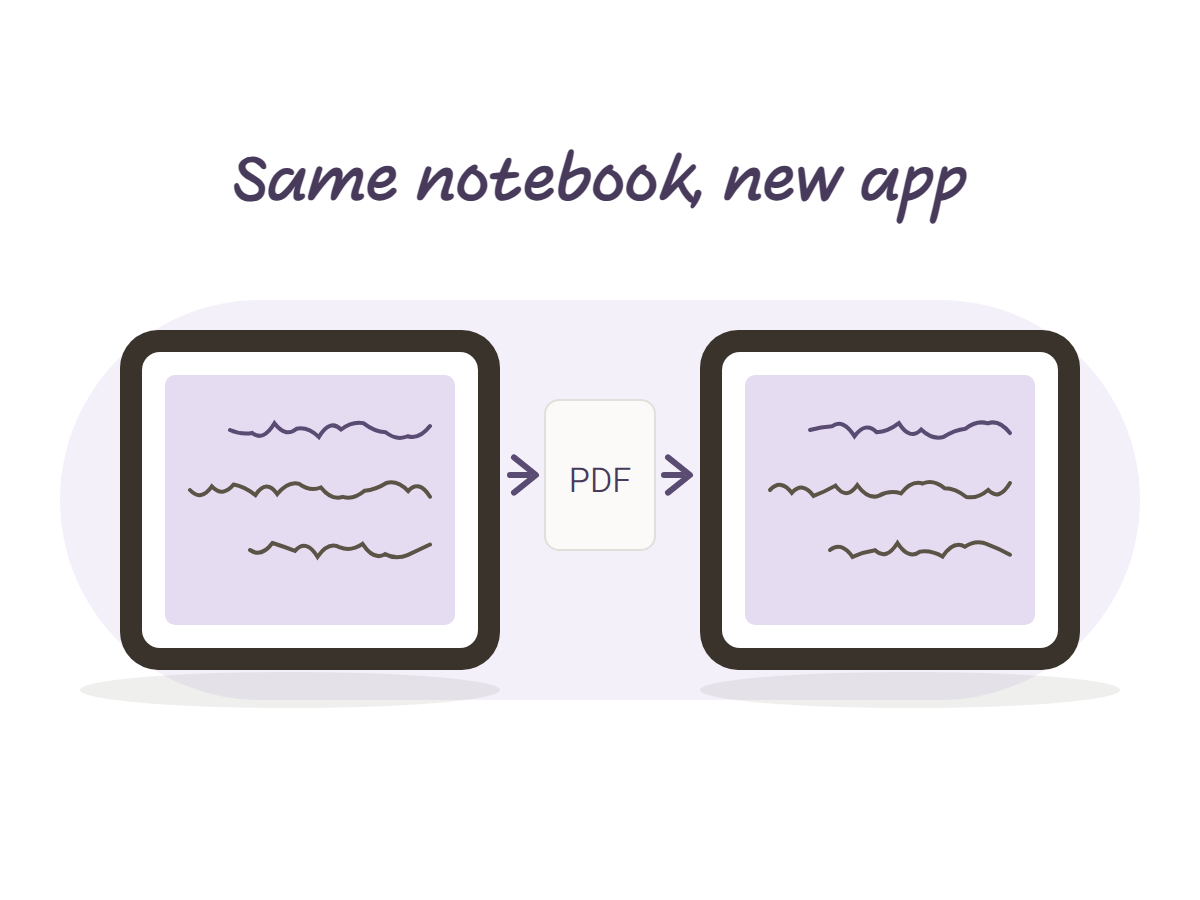
How to move your notebooks to a new notes app without losing a lecture
Switching from Notability to Goodnotes, or the other way, mid semester? Export a PDF, import it as a document, and test one page before you move the rest.
Questions everyone asks
How do I get it?
Pay on Etsy and download right away, from your Purchases page or the email. All themes in one download.
Which apps does it work in?
Goodnotes, Notability, Noteshelf and any PDF app with a stylus, on iPad and Android tablets.
Are there refunds?
Digital files: no refunds after download. Questions? Message us on Etsy before buying.
Can I print it?
Yes, full-size A4, for personal use.