How to move your notebooks to a new notes app without losing a lecture
By Baseline Paper · · 3 min read
A classmate says they switched to Goodnotes and everything feels easier. Or someone swears by Notability for the audio recordings. You are tempted, but you already have half a semester of notes, and starting over is not an option.
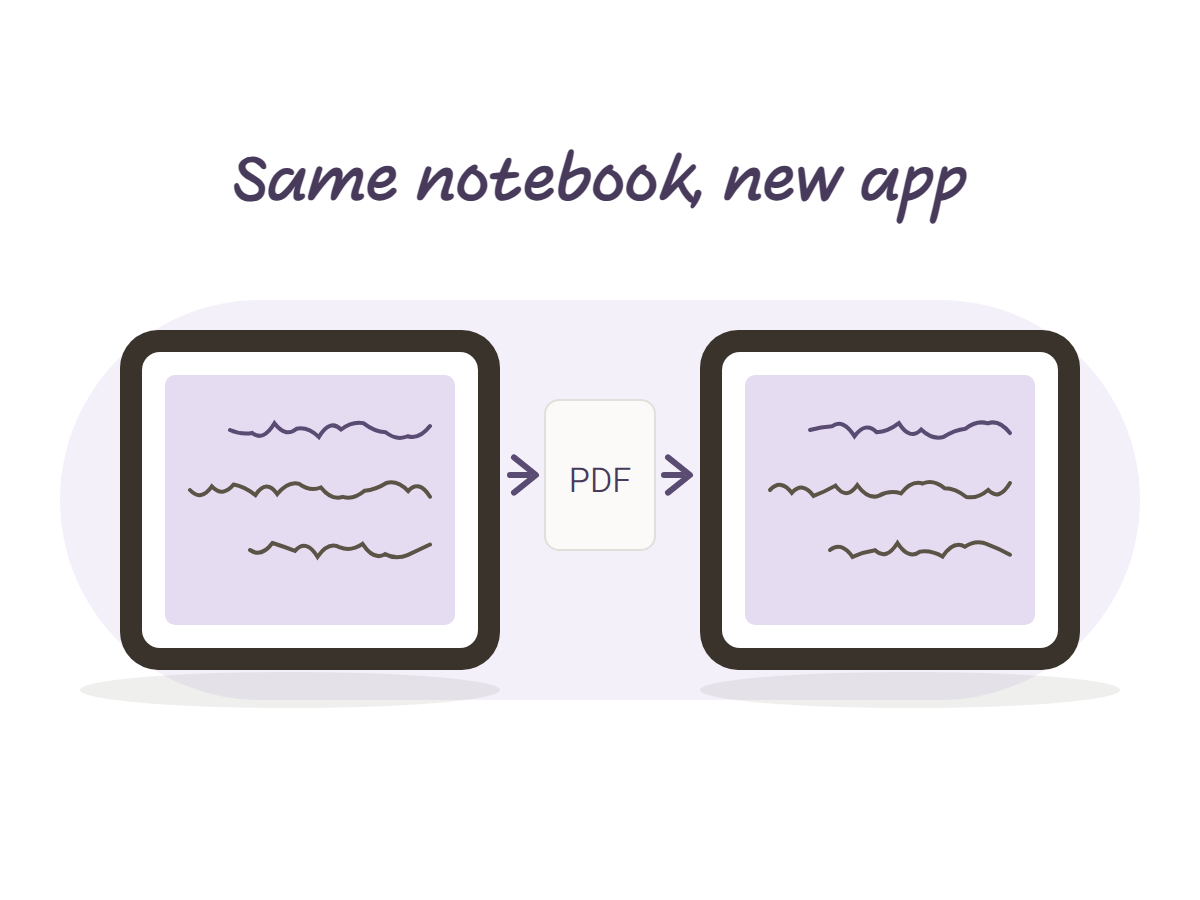
Good news: you can move from Notability to Goodnotes, or back, without rewriting anything. The safe route goes through PDF, because every notes app can open one.
It is not one tap, but it is not an evening either. Here is the order.
Is it even worth switching mid semester
Sometimes not. If your notebooks work and you just feel like trying something new, wait for the end of the term. If something really bothers you, like search, sync or the tabs, switch now, but gradually. Never the week before an exam.
A good question to ask before you start: what exactly is not working for you? If the answer is “everything is fine, everyone else switched”, that is not a reason. If the answer is “I cannot find anything”, then moving while you reorganize your notebooks is the perfect opportunity.
Export a PDF from the old app
Open a notebook, tap share or export, and pick PDF. Every page becomes a page in the file, handwriting included. Save it in the Files app, in a folder with an obvious name, like “Semester A export”.
Before exporting, rename: course, term, year. “Statistics term A”, not “Notebook 3”. Three months from now, with ten files in the folder, you will thank yourself. It takes half a minute per notebook.
Do this for one notebook only. The rest can wait.
Import it as a document in the new app
In the new app, add a file and choose the PDF. When it asks, import as a document, not as paper. That way every page stays a page and the notebook looks the way it did. If you picked paper by mistake, delete it and import again, it takes a minute.
Each app reads the file a little differently, so do not go further before you check.
Test one page before you move everything
Open three or four pages and look. Is the handwriting where it should be? Does Hebrew still run right to left? Do the links still work, if there were any? Do not expect everything to stay editable like before: your old writing will most likely open as part of the page. Audio recordings do not always travel inside the PDF either, so save those separately.
If something looks wrong, better to find out now, with one notebook, than after you deleted everything.
Move one notebook at a time, and delete nothing
Start with the course that is most active, so you can keep writing in it tomorrow. Move finished courses later, or leave them as read-only PDFs. There is no reason to redo a semester that is over.
Do not delete the notebooks in the old app. Keep them at least until after the exam, and if a second sitting is possible, until the grade is out. Rebuilding notes from memory takes forever.
The first week is a bit annoying. The pen feels different, the tools sit somewhere else, and you look for a button that used to be in the corner. Give it a few lectures. If it still feels wrong after two weeks, you can always go back, because you kept the old copy.
Start next semester in a file that works anywhere
The real reason switching feels so annoying is that the notebook got locked inside one app. A notebook that is a plain PDF is not locked. You open it in Goodnotes, Notability or Noteshelf, and whenever you change apps you just import it as a document again.
The Lined Tabbed Notebook is built that way: one PDF with eight tabs, a navigation strip on the right edge of every page and a linked index, working in any PDF app with a stylus. Change apps next semester and the notebook will not even notice.