Where the time actually goes when you take notes by hand
By Baseline Paper · · 5 min read
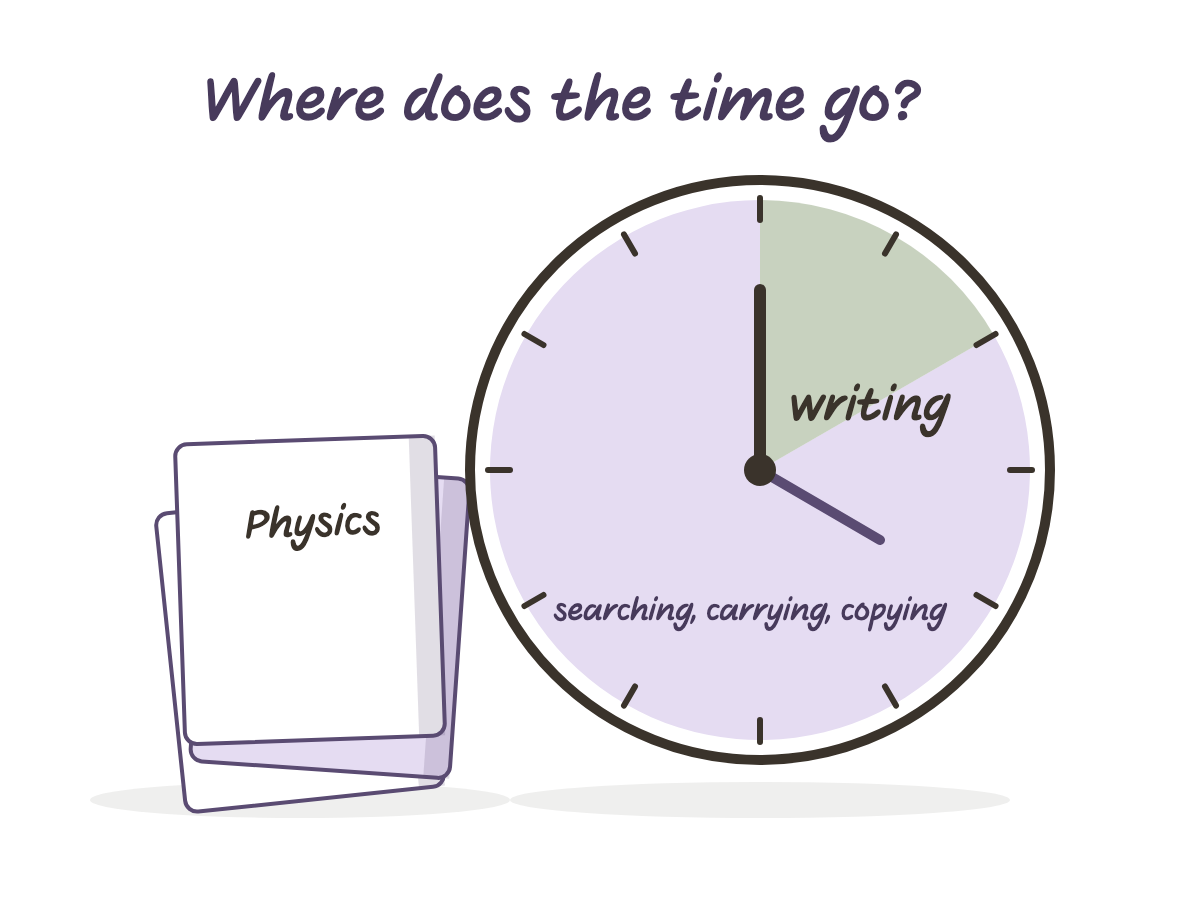
Nobody loses time writing. Writing by hand is slow in a way that helps: you have to decide what matters before the pen moves, and that decision is most of the learning.
The hours disappear around the writing. They go into finding the page from three weeks ago. Into carrying four notebooks because you are not sure which class needs which. Into the last empty page arriving in the middle of a chapter. Into copying the same timetable for the fourth time this year.
A notebook on the iPad does not make you write faster. It removes the work around the writing. Here is where, honestly, and where it does not.
Finding a page
In a paper notebook, finding October’s lesson means flipping until the handwriting looks familiar. In a digital notebook, the first pages are an index: one row per lesson. At the start of each lesson you write the date and the topic in the next row. The row is a link. Before an exam, you tap it and land on the page.
Apps like Goodnotes and Notability also search handwriting, so a word you wrote in October is a query, not a memory.
Two habits make this work. Fill the index row when the lesson starts, not after it ends. And write a topic, not “lecture 7”. Future you is searching for “integration by parts”, not for a number.
Carrying the right notebook
Paper forces a choice every morning: one notebook per subject and a heavy bag, or one notebook for everything and pages that belong to nobody. A digital notebook is a file. You duplicate it once per subject inside the app, and every copy gets its own index and its own cover. The bag gets lighter, and the choice at 7:40 in the morning disappears.
Running out of pages
The last empty page always arrives in the middle of a chapter. Or you buy a thicker notebook and carry blank paper for a year. In a digital notebook you add a page after any page, so a 105-page notebook is a starting point, not a limit.
The same goes for planners. An undated planner prints no year, so you can start in week 27 in June, and next September you open the same file again instead of starting over. The saved time is not only the trip to the shop. It is never restarting.
Copying what you already wrote
Timetables, course lists, the weekly layout you like: on paper you redraw them. On the iPad, the lasso tool selects a block and moves or duplicates it. A timetable drawn once in September is pasted into every week’s page in seconds. A template carries the structure, so you fill in instead of ruling lines.
Fixing mistakes and moving things
On paper, a messy page gets crossed out, decorated with arrows, and eventually rewritten to be clean. On the iPad you undo, erase, and drag a paragraph to where it belongs. The time saved is the rewrite you do not do.
Sharing and keeping
Missed a lesson? A friend exports the pages as a PDF in a minute. No photographing spreads under a desk lamp. And because the apps back notes up to the cloud, a lost bag is a lost bag, not a lost semester.
Where it does not save time
Some honesty, because the first week will test you.
- The first week costs time. Importing the file, learning that a link only navigates when the pen tool is off (tap with a finger, or switch to read mode), finding your pen settings. Budget an evening.
- Charging. A dead iPad is a dead notebook. Paper never runs out of battery.
- Distraction. The notebook is one tap from everything else on the device. Paper has never shown a notification.
- Drawing. Diagrams and equations take the same time as on paper. The pen does not think for you.
So the win is in retrieval and reuse, not in the writing itself. If you mostly write and rarely look back, paper is fine. If you look back before every exam, the index alone pays for the switch.
Set it up once
The whole thing takes one evening, and you only do it once a year.
Download the notebook and open it in your app. Import it as a document, not as paper, or the index links will not work. Rename the file to the subject, then duplicate it once per subject and rename each copy. Write the subject on each cover. If your app has folders, make one per semester and drop the notebooks in.
From then on the routine below is the only thing you do, and it takes seconds.
A small routine that makes the difference
- Before the lesson. Open the subject’s notebook, tap the index, write the date and the topic in the next empty row.
- During. Write. When the lecturer says “this is important”, put a keyword in the cue column.
- After, the same day, two minutes. Fill the summary line at the bottom of the page.
- Before the exam. Go index, topic, summary line. Read the summaries first and open the full page only where the summary is not enough.
That is the whole system. The notebook does the finding. You do the thinking.
And the paper notebooks you already have
Keep them. Nothing here says paper is wrong; it says paper is expensive to search. If a notebook from last year still matters, photograph its index page and its summary pages into the app and let them live next to this year’s notes. You will be surprised how rarely you open the rest.
The point was never the device. It was getting the minutes back that used to go into looking, carrying and redrawing, and spending them on the only part that was ever worth your time: deciding what matters before the pen moves.