Why Hebrew Text Comes Out Reversed in a PDF, and What to Do
By Baseline Paper · · 4 min read
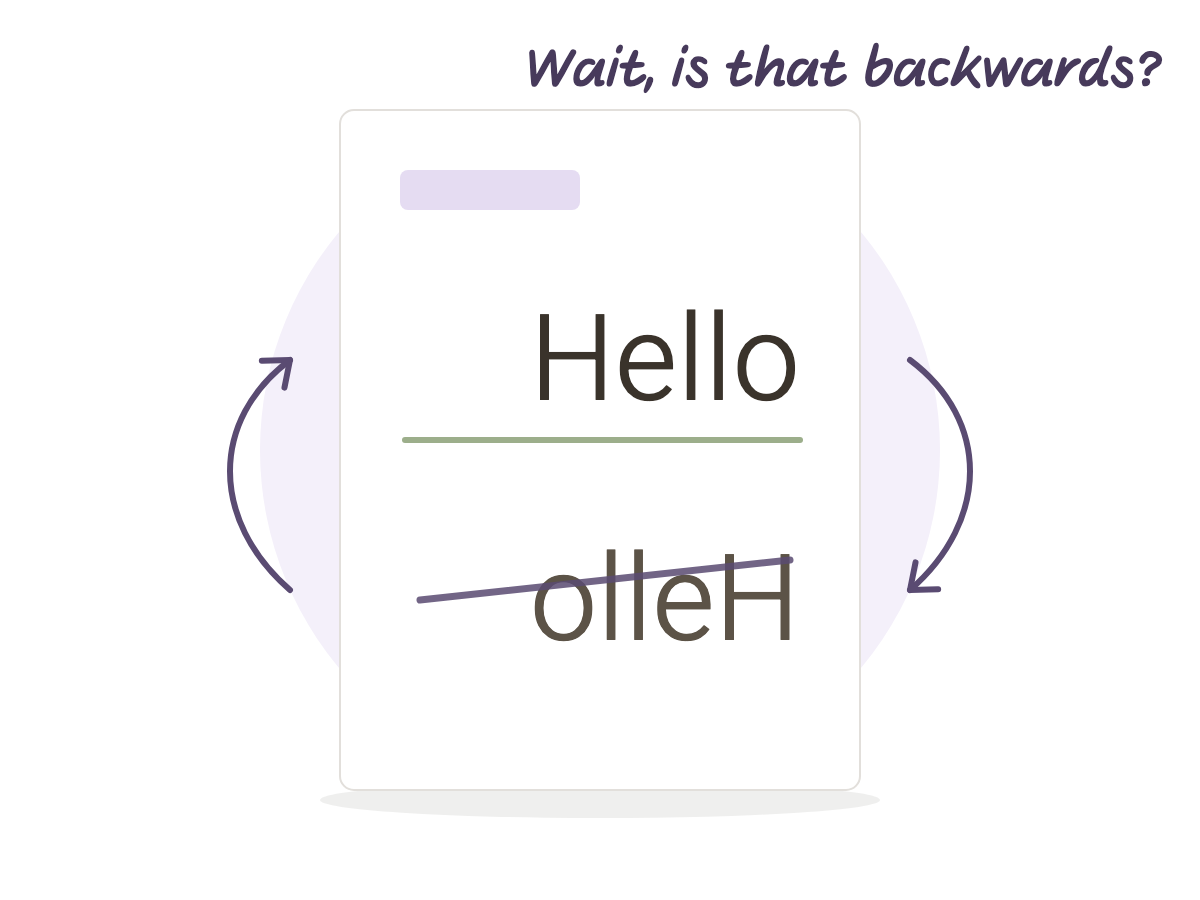
You know the moment. You open a summary, a government form, or a template someone shared, and the Hebrew comes out backward. Not a strange font, actually reversed: whole words in the wrong order, sometimes letters inside a word swapped too.
It happens more than people think, and it is almost never your device. It’s the file. It shows up in a syllabus from a department office, in a document a professor sent the night before an exam, or in a form meant to be filled in, not just read.
Here’s why this happens and what to actually do about it, whether you only need to read the file or also need to copy and search inside it.
Why Hebrew Comes Out Reversed at All
Inside a PDF, every letter gets an exact position on the page. The file itself has no idea Hebrew reads right to left, unless whatever created it arranged the letters to match that reading direction. There’s an algorithm meant to do exactly that: it converts between the order you typed in and the order the text should appear on screen.
The problem is that a lot of software was built for English first and only patched for Hebrew afterward. When that step isn’t done properly, the letters get stored in the file in the opposite order from how the eye reads them, even though on the creator’s own screen, in the app they wrote it in, everything looked fine.
Is It the Screen or the File
It helps to separate two different faults that look the same. Sometimes the page itself looks backward on screen, and that’s usually a bad scan or a bad export, and even that is fairly rare. Much more often the page looks completely normal, and only the text layer underneath is stored in reverse order. Your eyes never notice, but the moment you try to copy a line, search for a word, or move the text somewhere else, the problem shows up. That’s why the same file can look perfect to read and still cause a headache the moment you try to work with it.
The Ten Second Test
The fastest check: select a line of Hebrew inside the file and copy it into Notes or a chat app. If it comes out backward there, word by word in the wrong direction, the text layer is the problem, not your eyes. If the copy comes out correctly, the file is probably fine and something else was going on, like a missing font.
When You Only Need to Write on the File
If you’re just opening the PDF to write on it by hand, in Goodnotes, Notability, or Noteshelf, and it looks correct on screen, there’s no reason to worry. Your handwriting with a stylus lives on a completely separate layer on top of the page, and it never touches the broken text layer underneath. You just write normally, even if the original text underneath still has the problem.
When the Text Itself Actually Matters
When you genuinely need to copy a sentence, search inside the file, or have something read the page aloud, the text layer matters and can’t be ignored. The best fix is to go back to the source: if the file came out of Word, Pages, or Google Docs, re-export it from there, because that’s the step where the ordering is supposed to get set correctly. Trying to “fix” the PDF itself almost never works, because by that point there’s no longer a source to export from properly.
When there’s no source at all, say a file someone sent you that you didn’t write, the simplest move is to retype just the sentence you need rather than trust a layer you already know is unreliable. Searching text inside a reading app won’t help here either, since it’s searching that same broken layer. Handwriting search is a separate thing entirely: it recognizes what you write by hand on the page, not the printed text underneath it.
What This Means for a Hebrew Template
This problem doesn’t happen when someone builds the material in Hebrew from the ground up, instead of translating or patching an English template afterward. Baseline Paper’s Hebrew Cornell notebook is built that way: the cue column sits on the right, exactly where a Hebrew reader’s eye starts, and the hyperlinked 100 row index and the page navigation both work in Hebrew book direction from the start, not as a fix applied later. That way there’s never a moment where the order “comes out reversed,” because it was correct in the very first draft.