How to organize your notebook folders by semester
By Baseline Paper · · 3 min read
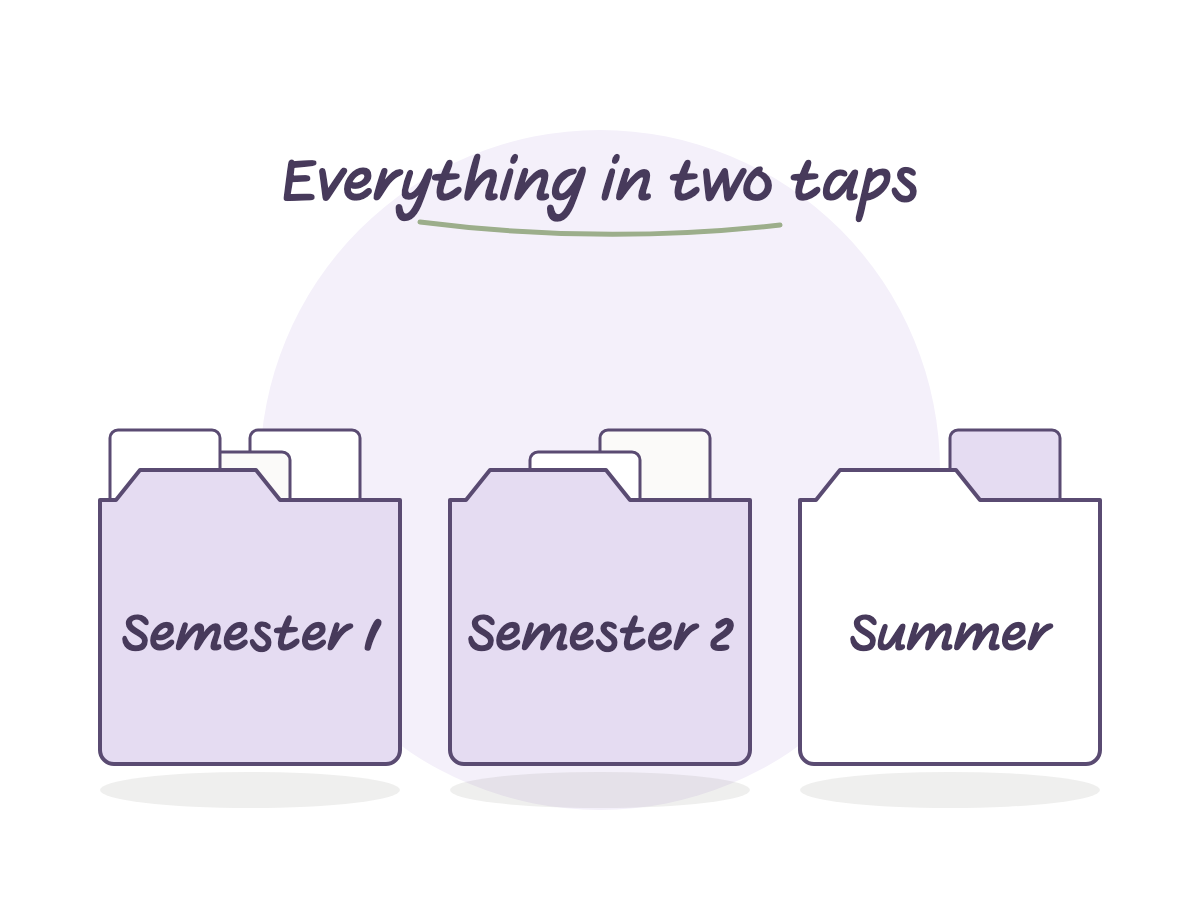
By the end of a second semester, the notebook list in a note-taking app starts to look like a pile. Twenty files, half of them without a clear name, and finding last semester’s summary turns into a small project of its own.
Organizing folders is not about tidiness for its own sake. It is the difference between a device where everything shows up in seconds and one you scroll through for five minutes before every class. The idea is simple: one folder per semester, and one notebook per course inside it.
Setting it up takes about fifteen minutes at the start of a semester, and then it runs on its own until exams.
Why a semester, not “everything together”
One giant folder for the whole degree feels convenient at first. A year in, it holds eighty notebooks, and there is no way to tell a finished course from an active one at a glance. A folder per semester closes the chapter cleanly: at the end of the semester the folder just sits there, and you open a new one without deleting anything.
How to create a new folder
Tap the plus icon on the main screen and choose to create a new folder. Give it a name like “Fall semester”, and confirm. From there, drag every course notebook into it, or create a new notebook directly inside the folder.
What to name each notebook inside the folder
The notebook name is the course name, not “Notebook 1” or “New notebook”. When five or six notebooks sit open in the same folder, the name is the only thing that tells them apart at a glance. If a course has several sections, add the instructor’s name in parentheses.
What happens inside each course notebook
Inside the folder, every course gets one notebook, and that notebook has its own order too. A lined notebook with eight tabs and a navigation rail on the side gives every topic or unit its own section, instead of opening a new file every time a new chapter starts. Tap a tab, write the topic in the index, and keep writing.
So the folder organizes the course level, and the notebook organizes what happens inside each course. Two layers of order, not one.
What to do when a new semester starts
Once, at the start of the semester: open a new folder, duplicate the base notebook for each course, rename each copy, and drag them all in. From there until the end of the semester, the structure does not change, only the writing inside the notebooks does.
What to do with folders from old semesters
Do not delete them. Leave the folder exactly as it is, the same way you would close a drawer holding last year’s paper notebooks. If you need something from it before a retake or a follow up course, it is right there, and it never mixes with the current semester. After a few years, it also helps to gather every semester folder inside one parent folder named after the degree.
Where the tabbed notebook fits in
The Lined Tabbed Notebook is exactly the notebook to drop into every semester folder, one course at a time. Eight tabs with a navigation rail on the right edge, a linked index, and 174 pages that let you add a page to any topic without leaving the structure. Five color themes, and it works in any PDF annotation app with a stylus. When the folder is organized on the outside and the notebook is organized on the inside, every subject is exactly two taps away.